

Two-factor authentication offers an additional layer of security to your vulkanvegascasino εγγραφή λογαριασμού account by demanding both your password and a time-limited code from a secondary device. This guide takes you through the complete account process, from the first registration screen to the ultimate activation of 2FA, while describing the verification documents you will need and the methods to regain access if anything goes wrong. Each part focuses on one particular part of the process so you can keep up without difficulty.
Enabling Two-Factor Authentication Gradually
Two-factor authentication is enabled from the security section of your account settings. The first screen shows a QR code and a manual entry key. You read the QR code with an authenticator app such as Google Authenticator or Authy, or input the key if your phone camera is unavailable. The app immediately starts generating six-digit codes that refresh every thirty seconds.
After scanning, the site asks you to enter the current code displayed in the app. This test confirms that the app and the server use the same time-based sequence. If the code is accepted, two-factor authentication is marked as active and a backup list of one-time recovery codes is displayed. You should download or print these codes and keep them offline.
Once active, every login attempt requires both your password and a fresh code from the authenticator app. The site does not save the codes, so losing access to the app without the backup list results in you must contact support to regain entry. Storing the recovery codes in a secure location stops this situation. Keep a printed copy inside a locked drawer and another encrypted copy on a USB drive stored separately from your computer.

Before you finish the activation, check the login flow once on both desktop and mobile browsers. This quick check ensures that the codes work across devices and that you have not accidentally enabled region-based restrictions that could block Greek IP addresses. If any error appears, record the exact wording so support can help faster if needed later.
Selecting and Adjusting an Authenticator Application
Most gamblers use a mobile authenticator because it creates codes without demanding an internet connection after the initial setup. Google Authenticator is pre-installed on many Android devices, while iPhone users can depend on the built-in Passwords app or download Authy for cross-device syncing. Each app stores the secret key in encrypted form on the device itself.
Before finalising your choice, verify that the app supports time-based one-time passwords, often labeled TOTP. Some older apps use only counter-based codes and will not work with Vulkan Vegas Casino. After installation, enable the app to access your camera so the QR code can be scanned in one step.
If you choose not to install additional software, certain password managers include built-in TOTP support. You enable the feature inside the manager’s settings and scan the same QR code. The manager then fills the code automatically when you log in from a desktop browser, avoiding the need to switch between phone and computer. Use this method on a work laptop because it keeps everything inside one encrypted vault.
Authy also offers encrypted cloud backups, which is useful if you upgrade phones frequently. Turn on the backup option during the first setup and store the recovery password in a password manager or on paper. Without that password, even Authy cannot restore your tokens, so treat it with the same care as your recovery codes from the casino.
Understanding the Enrollment Process at Vulkan Vegas Casino
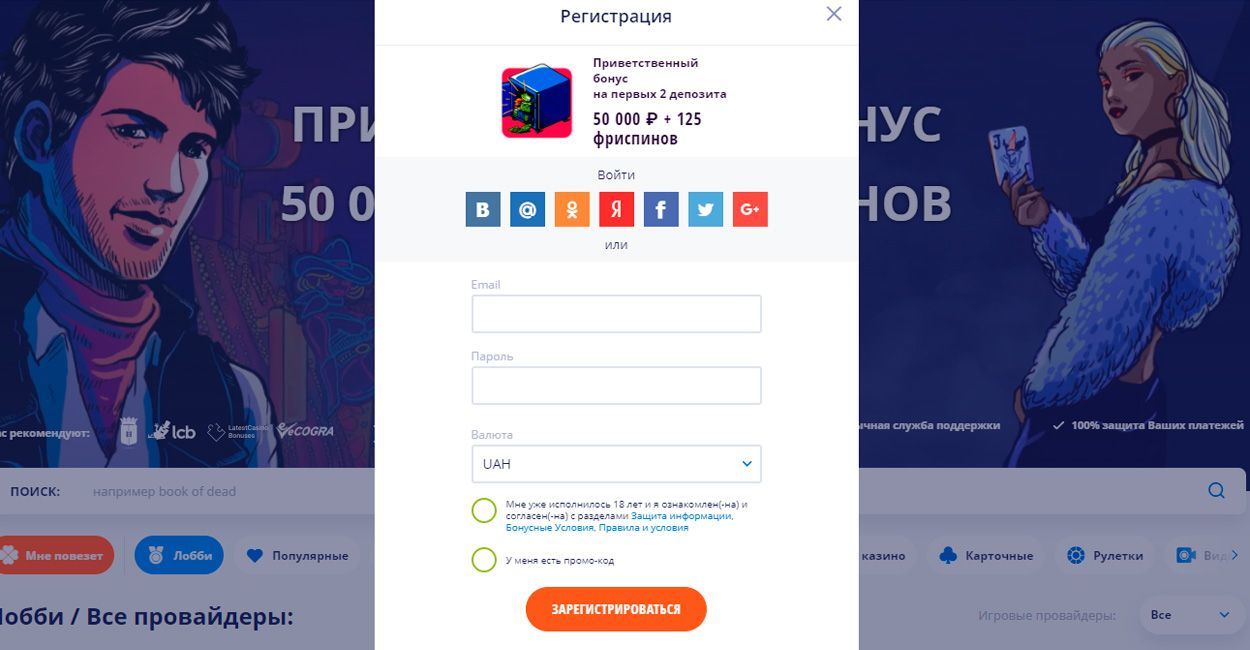
The enrollment form on Vulkan Vegas Casino requires a correct email address, a chosen username, and a password that fulfills the site’s complexity rules. You must also input your date of birth and affirm that you are at least eighteen years old before the form can be processed. The system checks the email immediately; if the address is already taken, a prompt appears asking you to log in or reset your password instead. After sending, a confirmation link comes in your inbox within a few minutes, and clicking it activates the new account.
Once the account is operational, the next screen prompts you to fill out a short profile. This step captures your full legal name, residential address, and preferred currency. The information you enter here is stored for future verification checks, so it must match the documents you will upload later. If any field is left unfilled, the system blocks access to deposit and withdrawal sections until the profile is finished.
During registration you can also select whether to receive marketing emails. The checkbox is voluntary, and your decision does not influence the speed of account creation. After the profile is saved, the dashboard opens and presents a verification status bar indicating that identity checks are still unfinished. Fill out this profile immediately because it stops later interruptions when you want to make your first deposit or request a withdrawal.
Players in Greece should observe that the site automatically detects the country from the IP address and pre-selects EUR as the currency. If you prefer another currency, you can modify it during this step, but the choice is irreversible after verification is confirmed. Keeping the address field accurate also accelerates future support requests, since the compliance team will check it directly with your uploaded documents.
Setting up and Administering Your Login Credentials
After verification, your selected username and password become the principal login method. The password must contain at least eight characters, comprising one uppercase letter, one number, and one special character. The system blocks the use of common dictionary words or sequences such as “123456” to minimize the risk of brute-force attacks.
You can change your password at any time from the security settings page. The change requires you to enter the current password first, then the new password twice for confirmation. After a successful update, an email is forwarded to the registered address as a security alert, enabling you to notice any unauthorised attempt to alter credentials.
If you lose your password, the recovery link on the login page sends a reset token to your email. The token runs out after two hours, so you must complete the reset promptly. Once inside the account again, the system asks you to create a new password that has not been used in the previous twelve months. Store passwords in an encrypted manager so you never need to reuse old ones.
zougla.gr Password managers also help when you travel and log in from different devices. They generate long, random strings that meet every complexity rule without obligating you to memorise them. Enabling browser autofill for the manager further decreases the chance of typing errors that could trigger temporary locks during busy periods such as major sporting events.
Uploading the Required Identification Files
Vulkan Vegas Casino complies with usual know-your-customer rules that ask for a government-issued photo ID and proof of address. The valid ID types comprise a passport, national identity card, or driver’s licence, given that each document is valid and clearly legible. The proof of address can be a recent utility bill, bank statement, or official tax document dated within the last three months and showing your name and residential address.
Documents are sent through the account dashboard under the verification tab. Each file must be in JPEG, PNG, or PDF format and smaller than five megabytes. After upload, the compliance team checks the images and usually replies within twenty-four to forty-eight hours. You get an email notification once the review is complete, and the verification status bar changes to show the new stage.
If the first submission is rejected, the email details the exact issue, such as glare on the photo or an expired document. You can upload corrected files immediately without beginning the process again. Keeping both sides of a two-sided ID visible and confirming the address document is dated correctly minimizes the chance of further rejections. Photograph documents against a plain background in bright, even light to avoid shadows that could lead to another review.
Greek residents at times receive requests for an additional utility bill because the initial document shows only a PO box. In such cases, a second bill from a different provider usually solves the request. The site also approves mobile-phone statements if they list the full address and are dated within the required window, giving you more flexibility when gathering paperwork.
Reviewing Security Settings After 2FA Activation
When two-factor authentication is active, the security page shows every active session and the device types that are currently logged in. You can close any session that appears unfamiliar, which immediately revokes its access token. This feature is helpful if you log in from a shared computer and forget to sign out.
The same page lets you to generate a new set of recovery codes if the original list has been used or lost. Generating fresh codes automatically invalidates the previous list, so you must store the new codes immediately. The process requires less than a minute and does not affect ongoing sessions.
You can choose to receive email alerts whenever a login occurs from a new country or device. The alerts contain the approximate location and browser type, offering you an early warning if unauthorised access is attempted. Enabling these notifications finishes the security setup and ensures you remain informed about account activity. Turn on every available alert during the first week after activation, then reduce the list to only country-change notices once you are confident the system is working correctly.
Examine the list of trusted devices monthly. Removing old phones or laptops you no longer use minimises the attack surface and makes it easier to spot genuinely new logins. The casino keeps a rolling ninety-day history, so you can always compare recent activity against your own travel schedule and quickly mark anything that looks out of place.
Addressing Common Login and Verification Issues
One frequent problem arises when the authenticator app shows a code that the site refuses. This mismatch typically results from the phone’s clock being out of sync with the server. Going into the app’s settings and activating automatic time synchronisation corrects the issue within a minute. If the problem continues, deleting and re-adding the Vulkan Vegas Casino entry in the app brings back the correct sequence.
Another issue occurs when a user is without the phone that holds the authenticator app. Without the printed recovery codes, the only option is to open a support ticket and verify identity again through video call or additional documents. Support clears the two-factor setting after identity is established, enabling you to set up a new app on a replacement device.
Players sometimes trigger temporary locks after several failed login attempts. The lock continues for thirty minutes and cannot be reduced by support. Using a password manager that auto-fills credentials reduces the chance of repeated mistakes and bypasses the lockout period altogether. Have a secondary device logged in at home so you can still place bets while holding for the lock to clear on your phone.
If you receive repeated verification emails asking for the same document, ensure that the file size and format satisfy the stated limits. Compressing a high-resolution scan can lower the file below five megabytes without losing readability. When in doubt, send the original file first and let the system handle any necessary resizing rather than guessing the correct compression level yourself.
